
Kids and schools
A child doesn't need to wait for university to learn to code and build. There are two paths by age, and each one ends in projects they can hold and switch on.
Junior: ages 6 to 10
We start with Scratch, the most widely used platform for teaching children to code by drag and drop. Once the logic clicks, they move on to electronics and robots.

The full course outline
The ten skills in order, the six projects, and the parts each one uses, with photos.

What they learn
- Logical thinking and problem solving
- Programming basics, simplified
- Commands and sequence
- Conditions and decisions
- Loops
- Variables and storing data
- Designing characters and backgrounds
- Sounds and effects
- Interactive games
- Stories and animation
What they make
- A points game
- A maze game
- A treasure hunt
- A quiz game
- An interactive story with animated characters
- A virtual city
Teens: ages 11 to 18
For school students who are into technology and robots. They learn C, C++ and Arduino, and get to the point of designing a circuit and programming it themselves.

The full course outline
The four modules, the ten-part kit, and six projects from beginner to advanced.

Programming basics
- C and C++
- Logic and problem solving
- Variables and data types
- Conditions and loops
- Functions
How computers work
- How a computer processes information
- What a microcontroller is
- Arduino versus a bare microcontroller
- What an embedded system is
Arduino
- The Arduino boards and how they differ
- The Arduino IDE
- Writing, uploading and debugging
- Digital input and output
- PWM and analog input
- Servos, displays and sensors
- Bluetooth and DC motors
Robotics
- What a robot is made of
- Sensors and actuators
- Where robots are used for real
After 18: the Embedded Systems diploma
For students who have finished both paths, or started university. The full path: from your first circuit to a printed board you designed, then AI running on hardware.
- 100+ hours
- Online and in person
- Weekly tasks
- A graduation project

The full course outline
The four modules, the whole kit with photos, eighteen Arduino projects, and the PCB and AI projects.

Projects on both paths
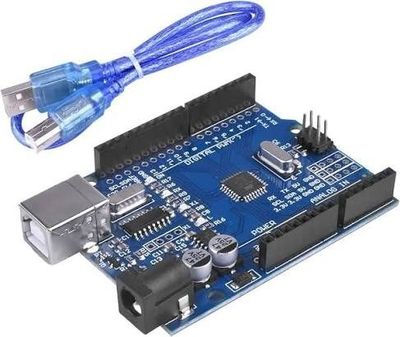
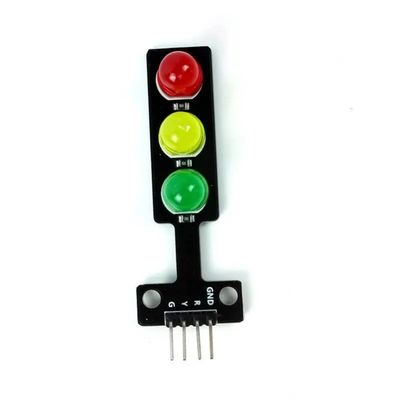
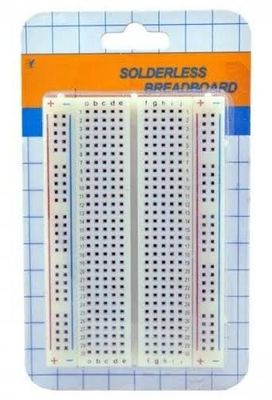
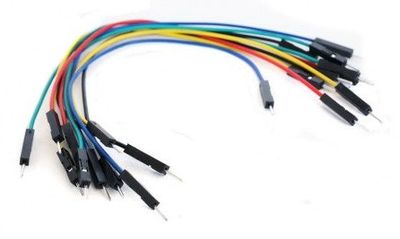
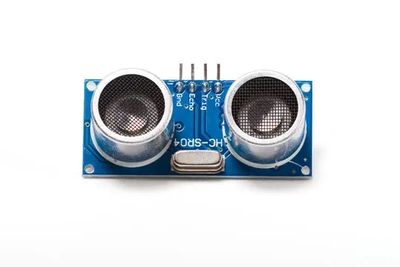
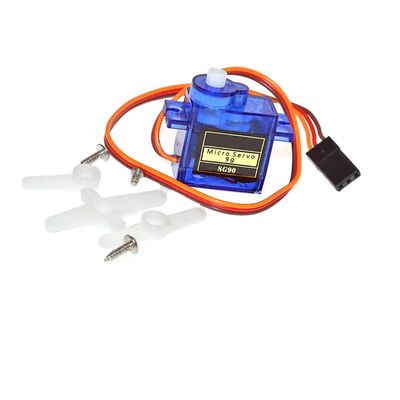
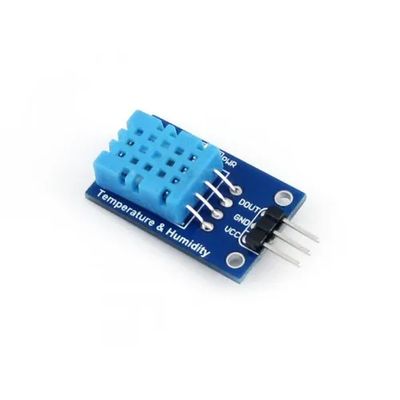
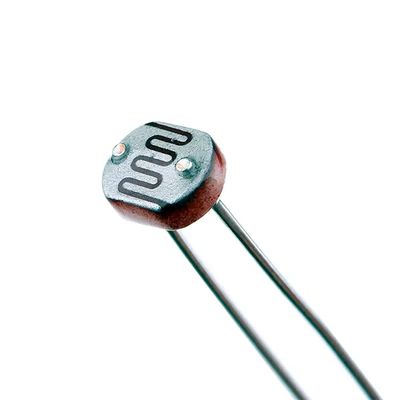
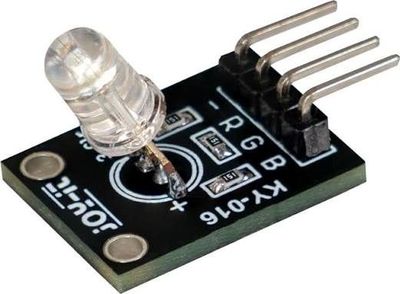
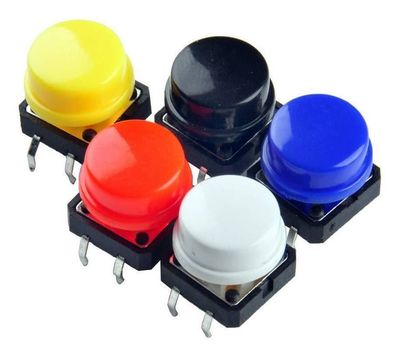
View allThe parts we use in class are in the shop, if your child wants to keep going at home.




What they come away with
- Creative thinking
- Problem solving
- An engineer's mindset
- Programming
- Teamwork
- Confidence presenting in front of people
How we teach
- Small groups, so every child gets time
- Hands-on projects from the first session
- Regular progress feedback
- A certificate for each level completed
Want the times and prices?
Send us your child's age and we'll tell you the right group and when it next starts.